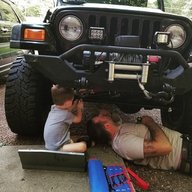
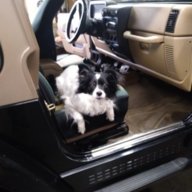
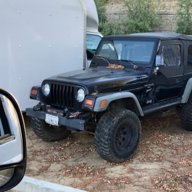
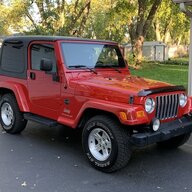
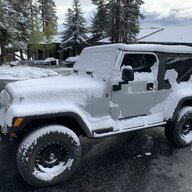
I was lucky to find my TJ unmolested with just a few tasteful mods (metal bumpers, winch, headlights and halos, rhino-lined grill and hood lip, etc) and that’s how I intend to keep her for the most part. The seats and stereo were two potential areas of improvement- I decided the head unit took priority.

I’ll be the first to say I don’t like the look of most aftermarket head units- in my opinion they throw off the aesthetic of the interior. That said, I wasn’t looking for a luxe hi-fi audio experience in my Jeep, just wanted something to look clean and give me a more modern experience.
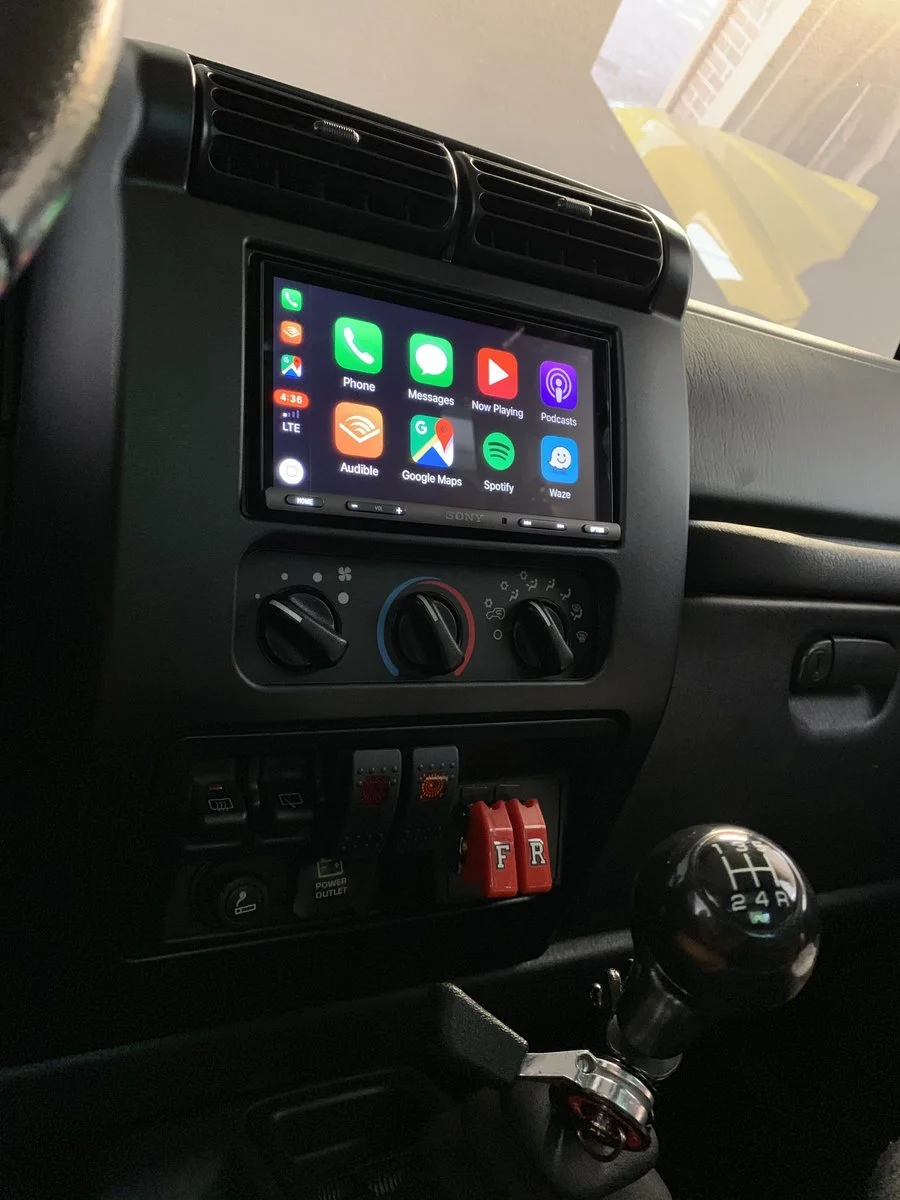
While browsing this forum I came across a post with a recently installed Sony XAV AX-100. It looked incredible and I almost bought it, until I came across this one. Bigger screen, capacitive touch (vs resistive) and a frameless LCD screen. I was initially worried it would look too modern in my 2003 Rubicon, but I’m glad I changed my mind. This one is compatible with Apple CarPlay and Android Auto.
Using Crutchfield was key for me as a newbie. They sent the unit, center bezel and adapter harness, and, most importantly, directions.
Everything went smoothly, although I used heat shrink instead of the recommended crimp caps. I grounded the parking brake safety wire somewhere behind the shifter unit instead (sorry mom) and after a little adjustment to get it to sit perfectly in the new bezel. I love it!!
Once you input your car info, Crutchfield will pull together the items you need to install, but these are the links:
Sony XAV AX-5000 Receiver
Metra Dash Bezel
Wiring Harness
Antenna Adapter
Screw Pack
I’m very happy with it so far. Sounds great with the factory speakers. My best compliment so far? My dad telling me that it looks factory installed
My only qualm is that while Bluetooth audio is available, Apple CarPlay and Android Auto are only available via the one of the two USBs from the back. Does anyone know if this is a software issue? Or is it a hardware functionality limitation?
I’ll be the first to say I don’t like the look of most aftermarket head units- in my opinion they throw off the aesthetic of the interior. That said, I wasn’t looking for a luxe hi-fi audio experience in my Jeep, just wanted something to look clean and give me a more modern experience.
While browsing this forum I came across a post with a recently installed Sony XAV AX-100. It looked incredible and I almost bought it, until I came across this one. Bigger screen, capacitive touch (vs resistive) and a frameless LCD screen. I was initially worried it would look too modern in my 2003 Rubicon, but I’m glad I changed my mind. This one is compatible with Apple CarPlay and Android Auto.
Using Crutchfield was key for me as a newbie. They sent the unit, center bezel and adapter harness, and, most importantly, directions.
Everything went smoothly, although I used heat shrink instead of the recommended crimp caps. I grounded the parking brake safety wire somewhere behind the shifter unit instead (sorry mom) and after a little adjustment to get it to sit perfectly in the new bezel. I love it!!
Once you input your car info, Crutchfield will pull together the items you need to install, but these are the links:
Sony XAV AX-5000 Receiver
Metra Dash Bezel
Wiring Harness
Antenna Adapter
Screw Pack
I’m very happy with it so far. Sounds great with the factory speakers. My best compliment so far? My dad telling me that it looks factory installed
My only qualm is that while Bluetooth audio is available, Apple CarPlay and Android Auto are only available via the one of the two USBs from the back. Does anyone know if this is a software issue? Or is it a hardware functionality limitation?
Last edited: